01
Search with intent
Choose business terms and a location. Let the extension collect the details visible in each Google Maps profile.
⌕“coffee shops · Berlin”
Maps Lead Extractor turns Google Maps discovery into a focused workflow: collect visible business details, organize contacts and follow up without losing your place.
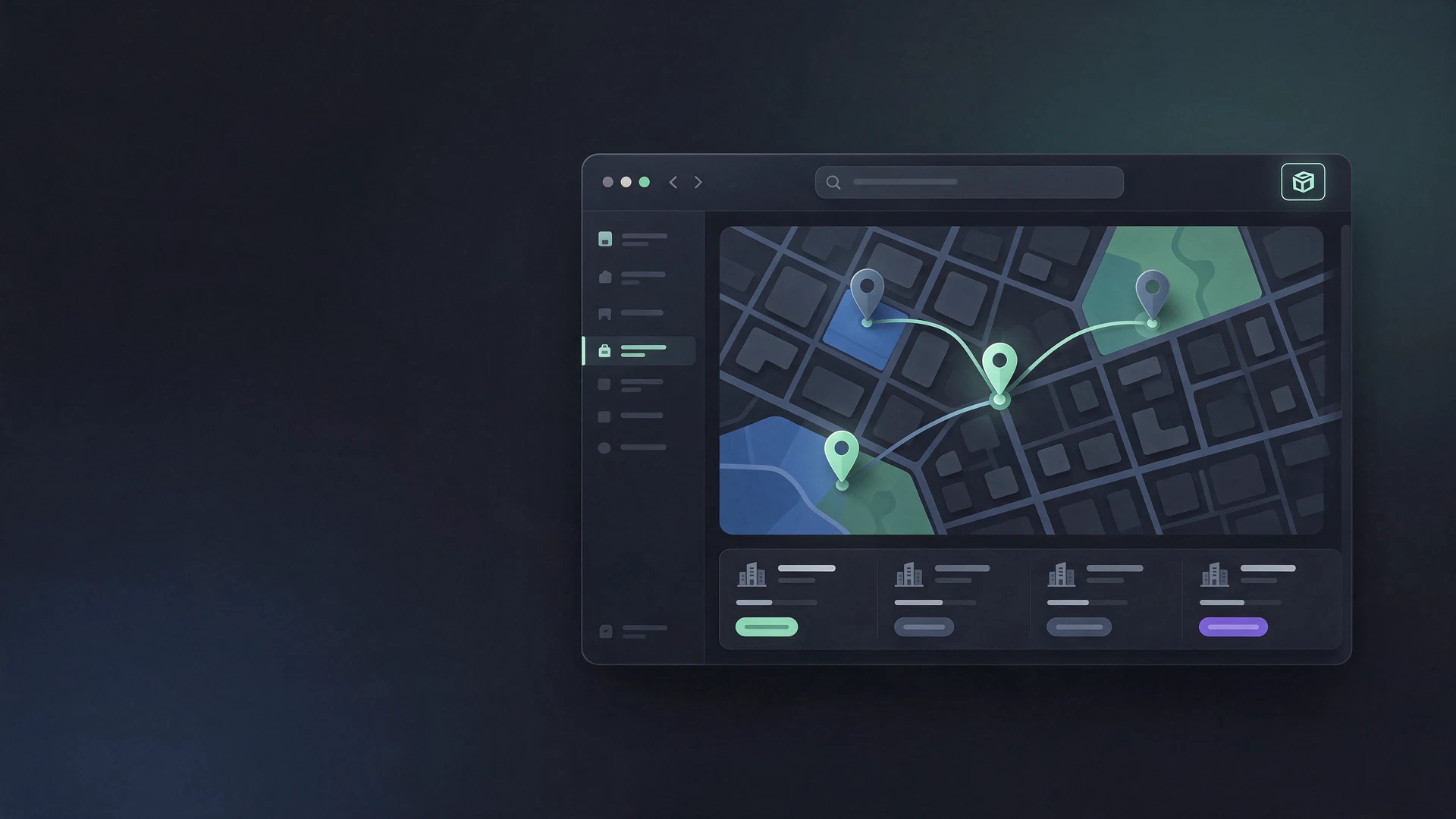
Watch a quick overview of how the tool works.
Click through the screenshots to see the workflow.


Keep prospecting focused, with a simple path from discovery to organized results.
Choose business terms and a location. Let the extension collect the details visible in each Google Maps profile.
Review names, categories, phone numbers, websites, addresses and available profile details in one list.
Mark contacts as pending, contacted, scheduled or awaiting a response. Export the list when you need it elsewhere.
Take a short guided tour of the search setup, contact list and follow-up statuses. The interface shown here is an illustrative product preview.
Interactive preview · no external video requiredBusiness details, gathered in one view.
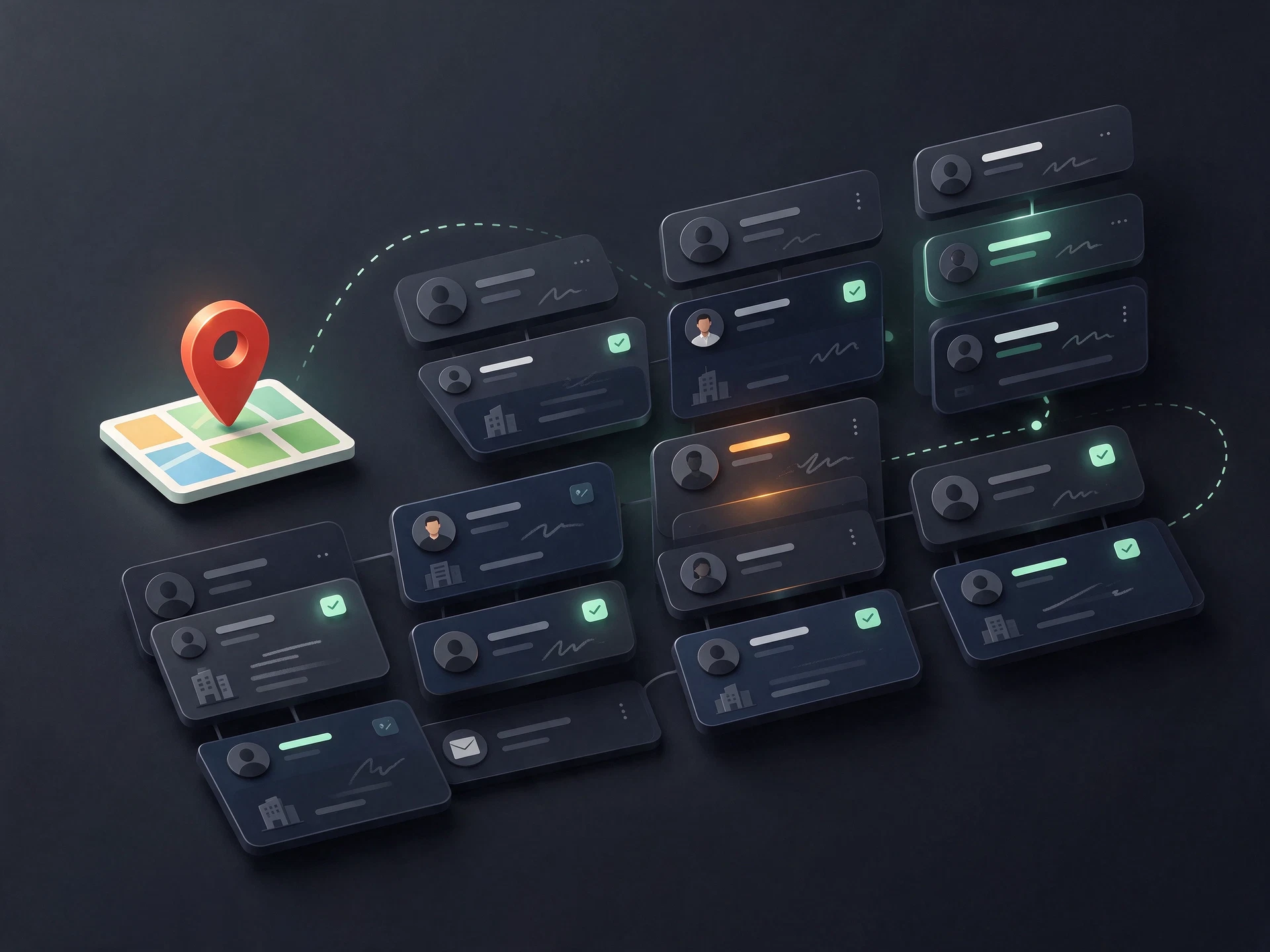
Keep the information visible in business listings close to your follow-up process, then take your results with you.
Set terms, location and result limits for a focused discovery session.
Use clear lead statuses to keep your next step visible.
Download collected results as CSV, JSON or a print-ready PDF.
Data availability depends on what each business profile displays. WhatsApp links are possible contact shortcuts, not account verification.
One-time payment. No hidden fees.
Bring discovery, contact status and export into one deliberate workflow.
It organizes information visible in Google Maps business profiles, such as business name, category, address, phone number, website, rating and profile link. Available fields vary by listing.
No. Results depend on your search terms, location, Maps listings and the information those businesses publish. The extension does not guarantee volume, conversions or business outcomes.
The extension supports CSV, JSON and PDF export so you can review, store or continue working with the collected list.
Checkout buttons are ready to connect. A real destination and offer details must be configured before payments can be accepted.